
Installing SureCookie
SureCookie is a smarter cookie consent solution for WordPress.
This quick guide will help you install SureCookie on your WordPress site in just a few simple steps.
Let’s get started!
How to Install SureCookie?
Step 1: Install the Core Plugin
- Log in to your WordPress dashboard.
- Go to Plugins → Add Plugin.
- In the search bar, type “SureCookie”.
- Click Install Now on the SureCookie plugin, then click Activate.
That’s all! Once both the plugins are activated, you will see the SureCookie menu in the left-hand sidebar.
We also have a guided onboarding setup for the new users:
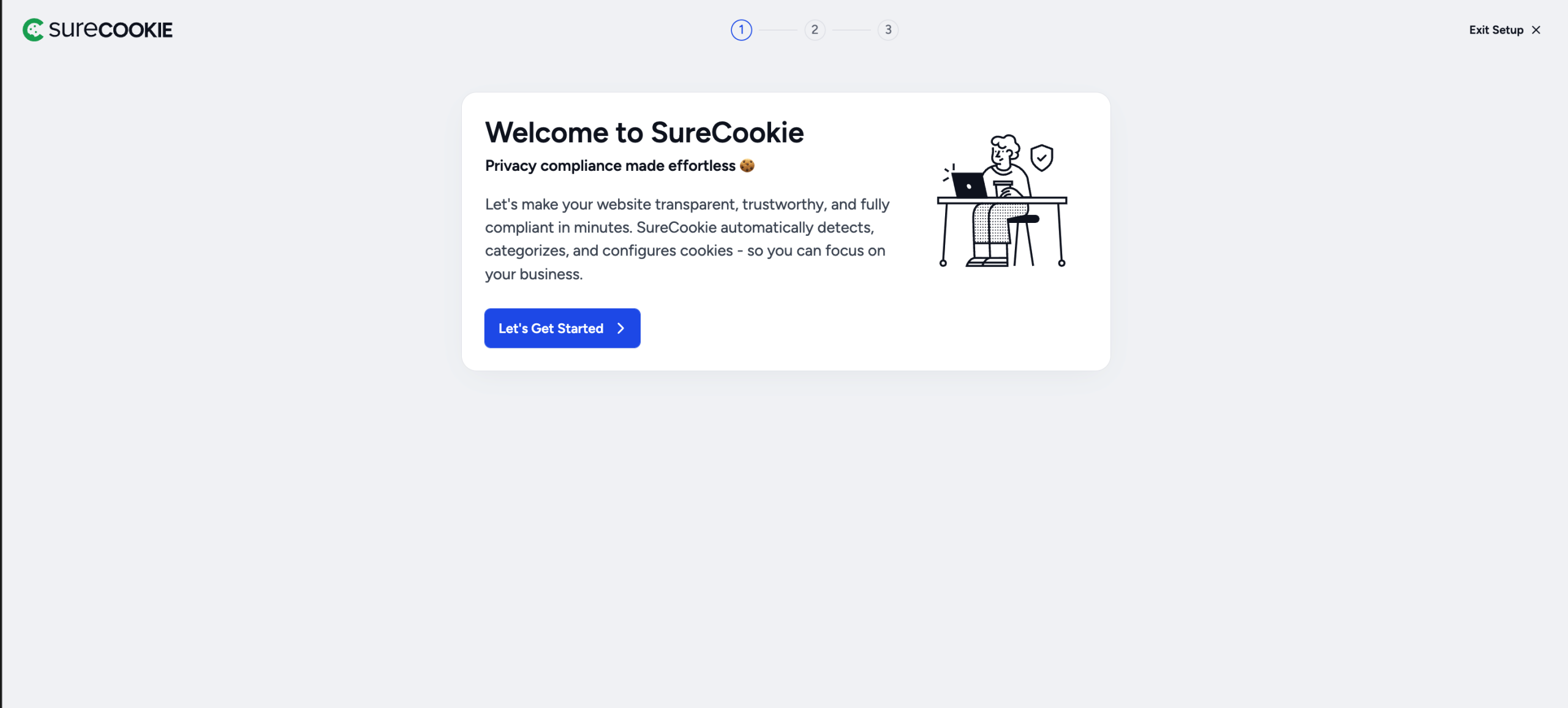
That’s it! 🎉 You’ve successfully installed SureCookie and are now ready to start setting up your banner, scan cookies, etc.
Need help with setup? Check out our Getting Started Guide.
If you have any questions, feel free to contact our support team. We’re always here to help!
Was this doc helpful?
What went wrong?
We don't respond to the article feedback, we use it to improve our support content.
On this page