
- SureCookie Installation Guide
- Installing SureCookie Pro
- Updating SureCookie
- How to Set Up SureCookie: Onboarding Wizard Guide
- SureCookie Dashboard Overview
- Connecting Your Site to SureCookie (Scanner Setup)
- Using SureCookie on Multiple Sites
- Uninstalling SureCookie & Data Cleanup
- SureCookie Shortcodes Reference
- Preferences Settings (Menu, Branding, Analytics)
- Customizing Banner Content
- Customizing Banner Layout
- Custom CSS for Banner Styling
- How to Configure the Floating Widget
- Customizing the Preference Modal
- Controlling Where the Cookie Banner Appears
- Customizing Banner Colors (Custom Colors, WCAG)
- Customizing the Blocked Content UI
- Banner Text in the Wrong Language (WPML, Polylang, and Locales)
- Re-Consent
- Understanding SureCookie Logs
- How to Set Up Geographic Targeting
- Block Scripts Until Consent (Resource Blocking)
- Setting Up Google Consent Mode v2
- Consent Models Explained (Opt-in vs Opt-out)
- Exporting Consent Logs (PDF Proof + CSV)
- Consent & Data Settings (Duration, Retention, Renew)
- Consent Forwarding Across a Multisite Network
- Resource / Script Blocking (Add Embeds + Fixes)
- Troubleshooting SureCookie
- Fix a Stuck or Failed Cookie Scan
- Why Some Cookies Aren’t Detected
- Banner Not Appearing: Troubleshooting
- Settings or Cookie Categories Not Saving or Loading
- Embeds Blocked After Consent (YouTube, Maps, Vimeo)
- Site Performance / Page Speed
- Scanning Your Site From Your Browser
- Importing and Exporting SureCookie Settings
- Verifying Your Domain With a DNS Record
How to Scan Website Cookies Without a Plugin
Use the SureCookie web scanner to check any website for cookies without installation. This is useful for auditing third-party sites, competitive analysis, or pre-purchase evaluation. The web scanner provides a quick way to see what cookies are active on any website before you commit to a full implementation.
When to Use the Web Scanner
- Evaluate competitor websites to understand their cookie strategies
- Audit client websites before proposing SureCookie implementation
- Verify cookie compliance issues on a specific page
- Share scan results with stakeholders for transparency
How to Scan a Website
- Visit library.surecookie.com in your web browser
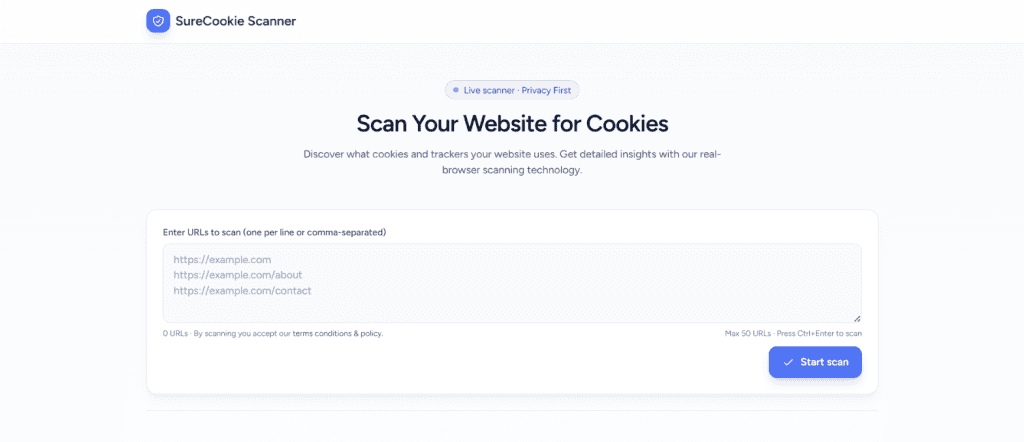
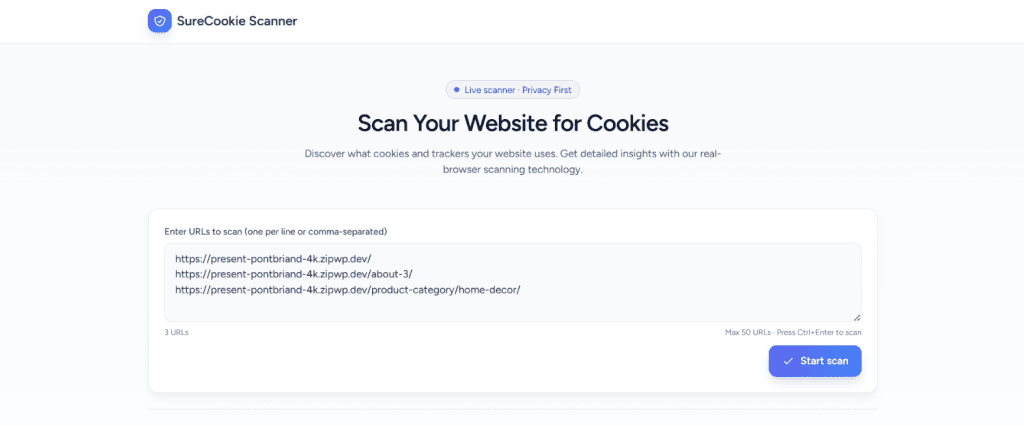
- Enter the website page URL in the scanner form. Use the full URL for each page.
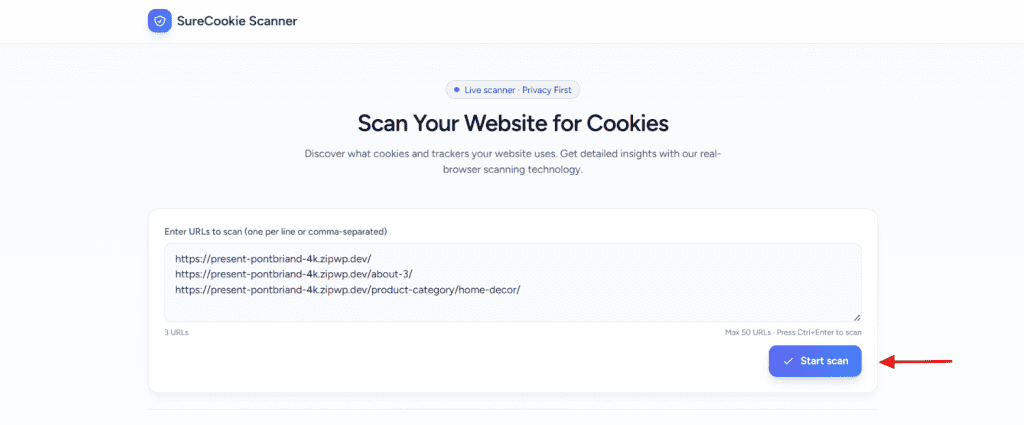
- Click the Start Scan button to initiate a headless browser scan of the website.
- Wait for the scan to complete. Typical scan time is 30 to 90 seconds depending on the website complexity
- Scroll down to see the results page, which displays cookies found, scripts detected, cookie categories, and potential compliance issues
- Share results with your team by copying the unique result URL or exporting the scan report
Understanding Your Scan Results
When your SureCookie scan completes, the results page displays a quick overview followed by detailed information organized into several sections.
Summary Cards
At the very top of the page, three summary cards give you an instant snapshot of your scan:
- Total Cookies: The total number of cookies detected across all scanned pages
- Scans Completed: The number of pages that were successfully scanned
- All Succeeded: The number of scans that completed without any errors
These metrics help you quickly assess the overall status and scope of your scan.
Scan Information
Below the summary, you’ll find the scan details including the group name, group ID, and the exact timestamp when the scan was completed. This section also displays the scan’s direct URL, which you can copy and share if needed. The scan information provides quick reference data about when and where your scan was performed.
Detected Cookies
This section lists all cookies found during your scan. Each cookie entry shows:
- Name: The identifier of the cookie
- Domain: The domain where the cookie originates
- Company: The organization or service associated with the cookie
- Purpose: How the cookie is used on your site
- Order: The order in which the cookie was detected
Reviewing this list helps you understand which third-party tools and services are placing cookies on your site.
Pages Scanned
Here you’ll see a list of all pages that were included in the scan. Each page shows:
- URL: The specific page address that was scanned
- Status: Whether the scan of that page was completed successfully
- Cookies: The number of cookies detected on that page
- Last Time: When the page was last scanned
To get more information about the result of a particular Page you can click on View Details. It will give you all the insights about the cookies present on that page
Classification Summary
This summary provides a high-level count of your cookies by classification type (such as Essential, Functional, Analytical, etc.), giving you a quick overview of your cookie distribution and compliance status.
Next Steps
After reviewing your scan results, consider installing the SureCookie plugin on the website to enable automatic scanning and continuous monitoring of cookie activity.
For assistance with implementation or to discuss your scan results, contact the SureCookie support team.
We don't respond to the article feedback, we use it to improve our support content.